Import an Existing Project or Code Snippet from External Sources, and Start Your First Task
1. Upload from Local
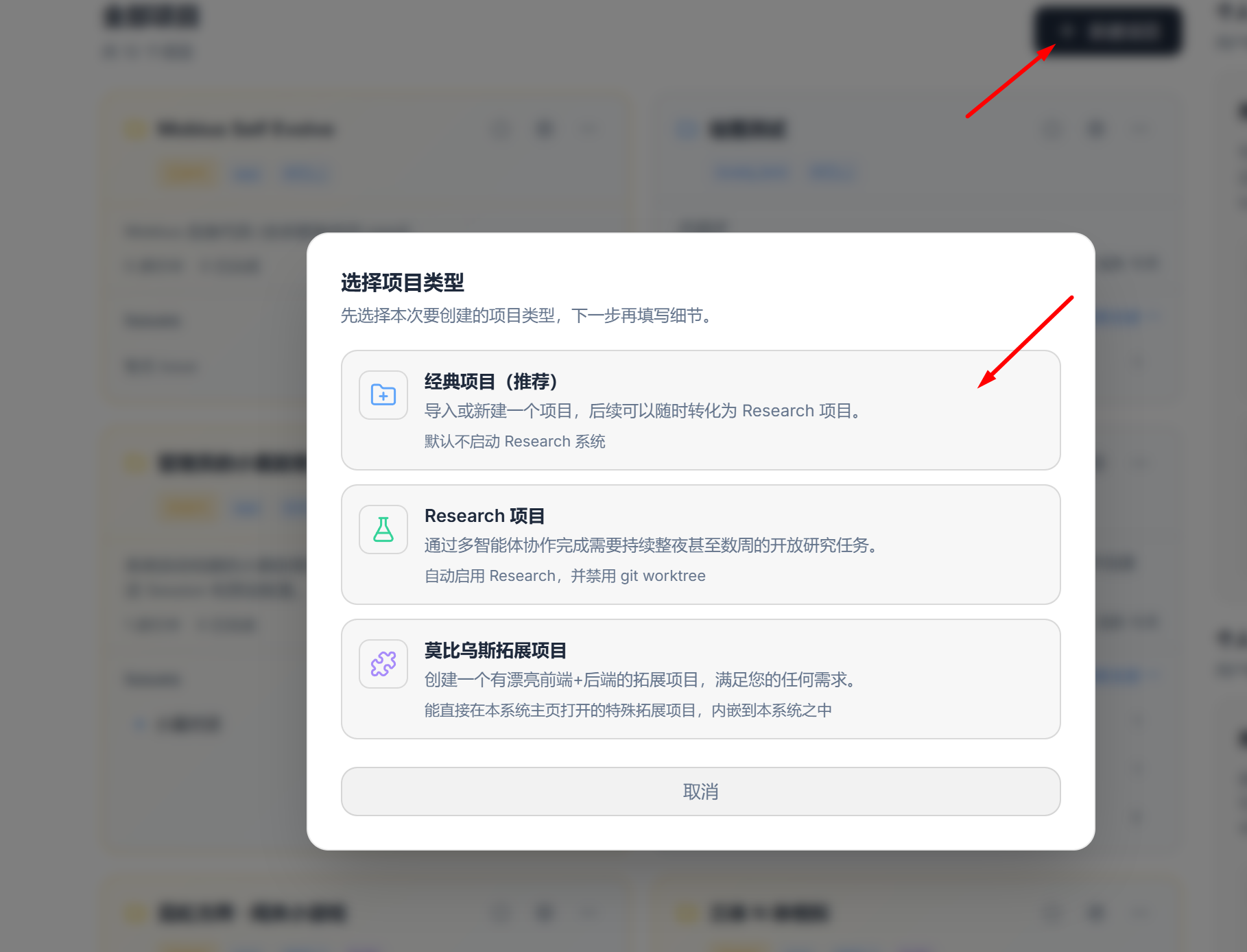
- Create a new project
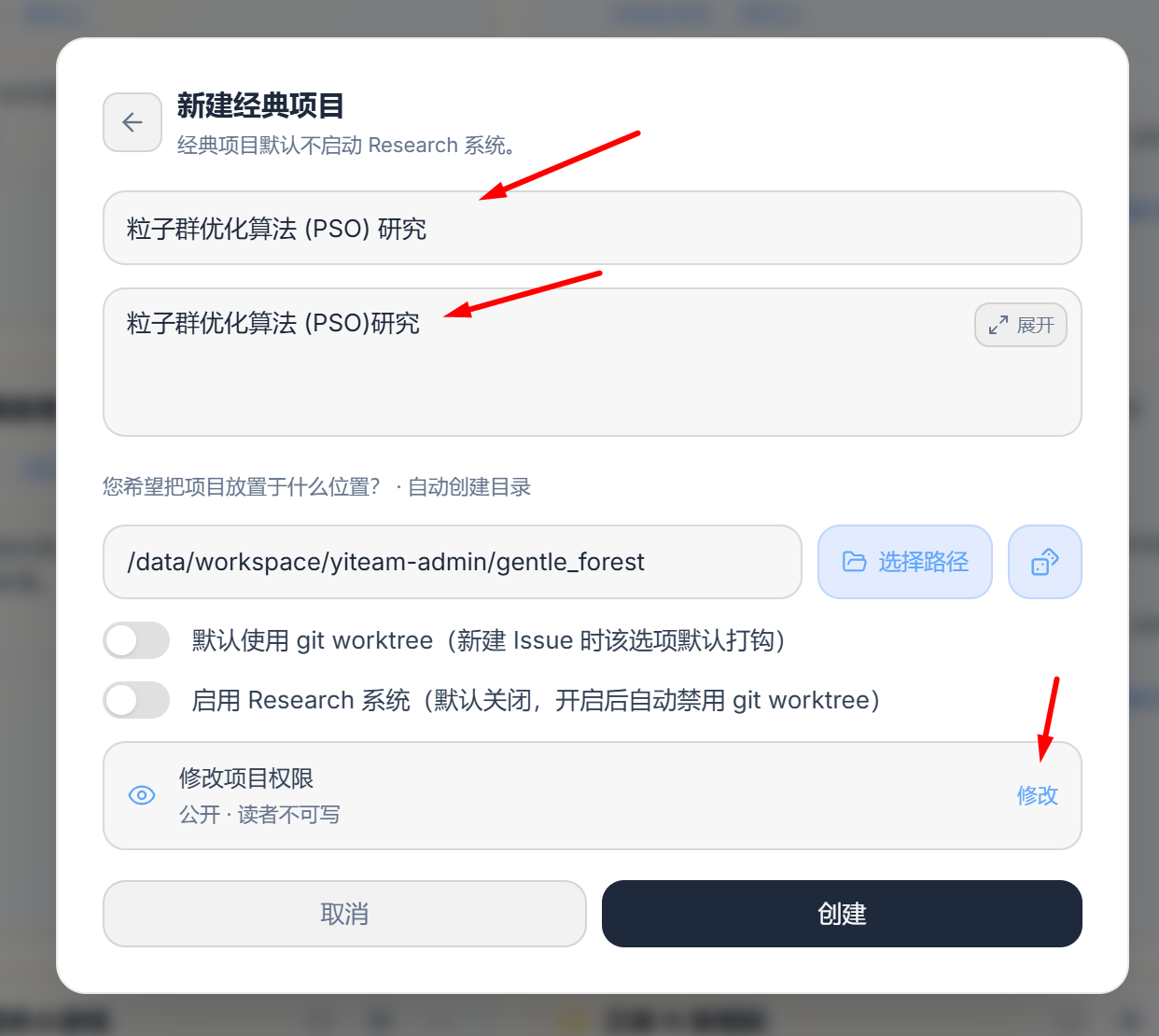
- Enter a model name, and change the permissions so it is visible to everyone
- Select [Open in VS Code]
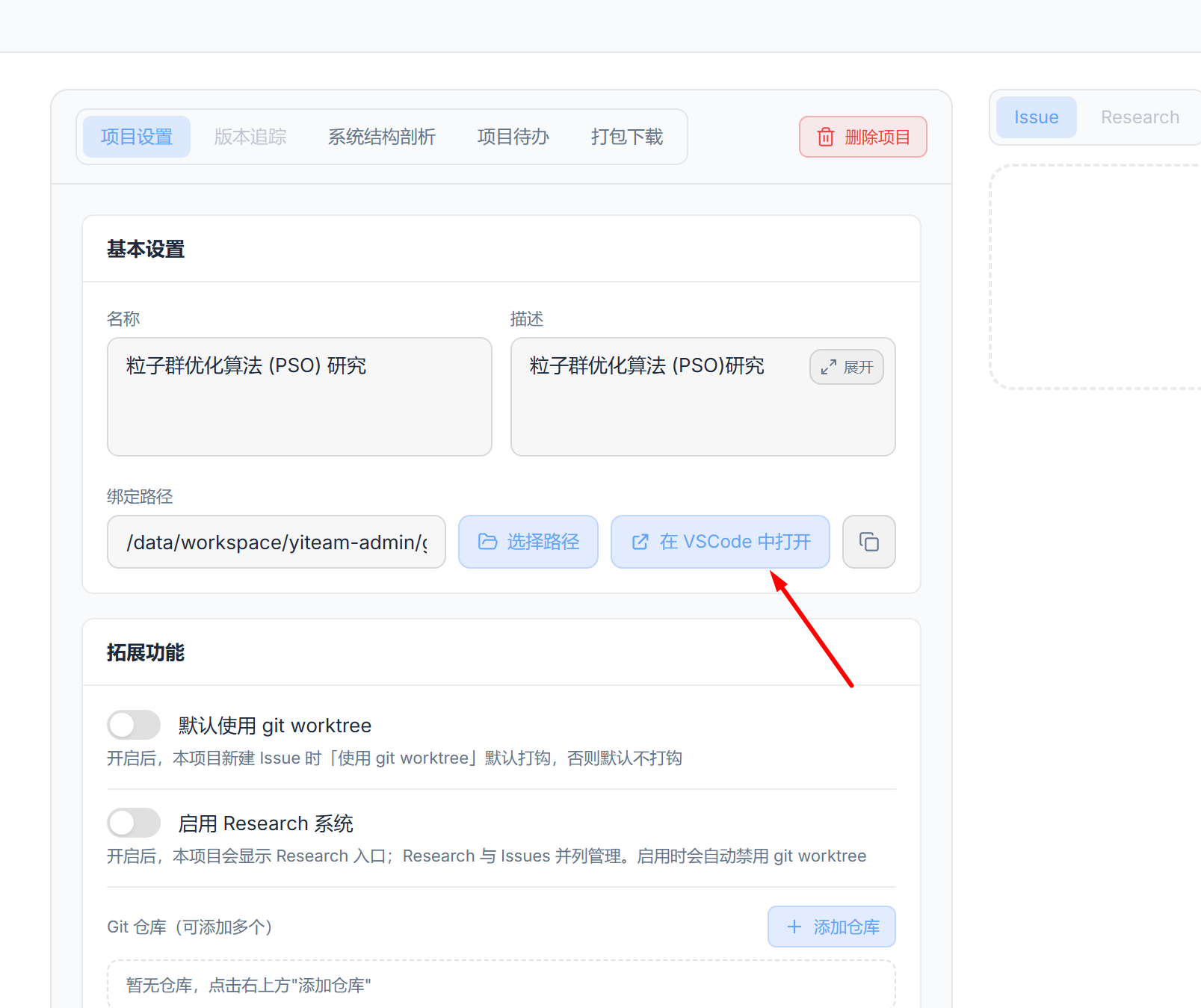
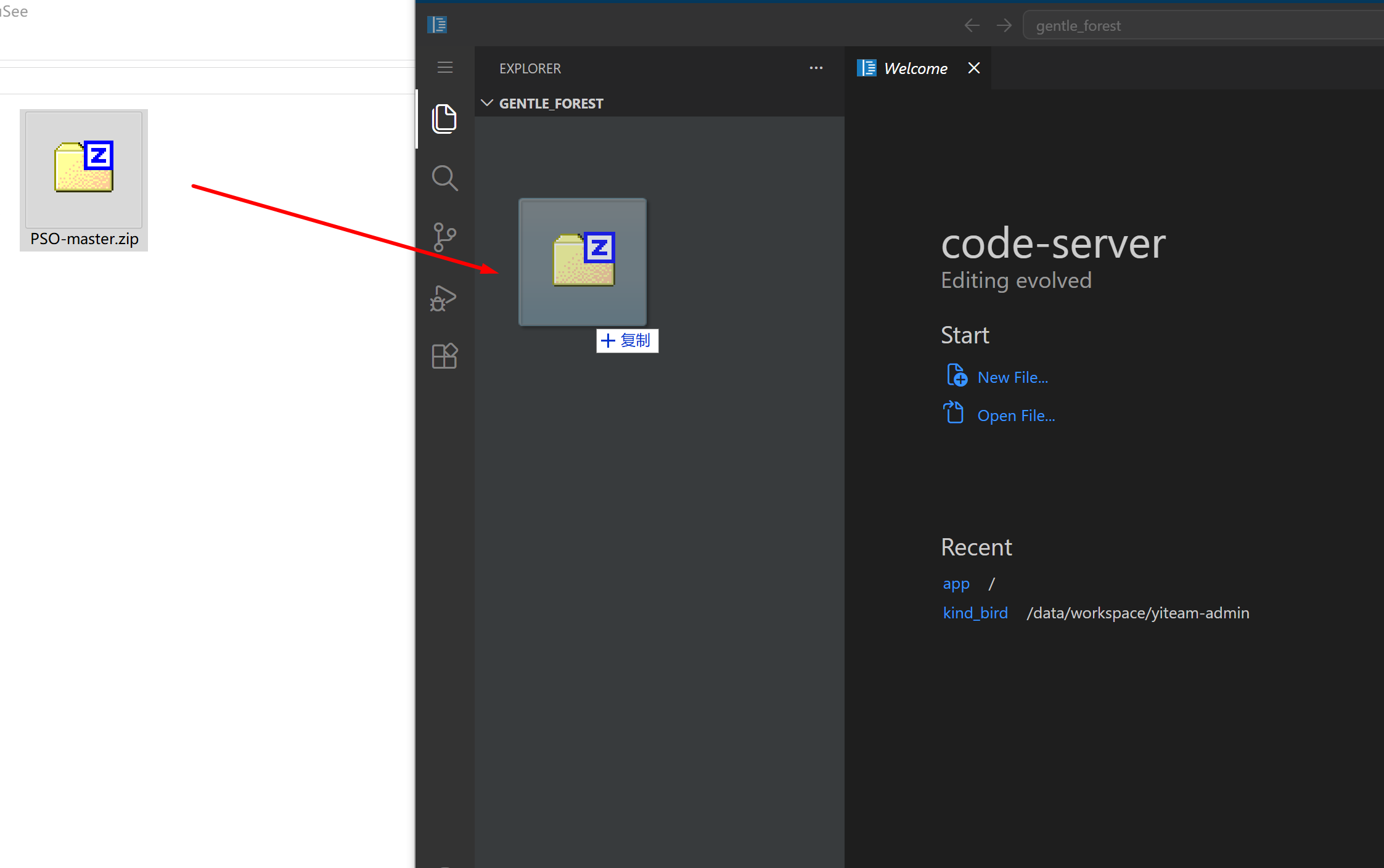
- Drag one or more files into the VS Code server
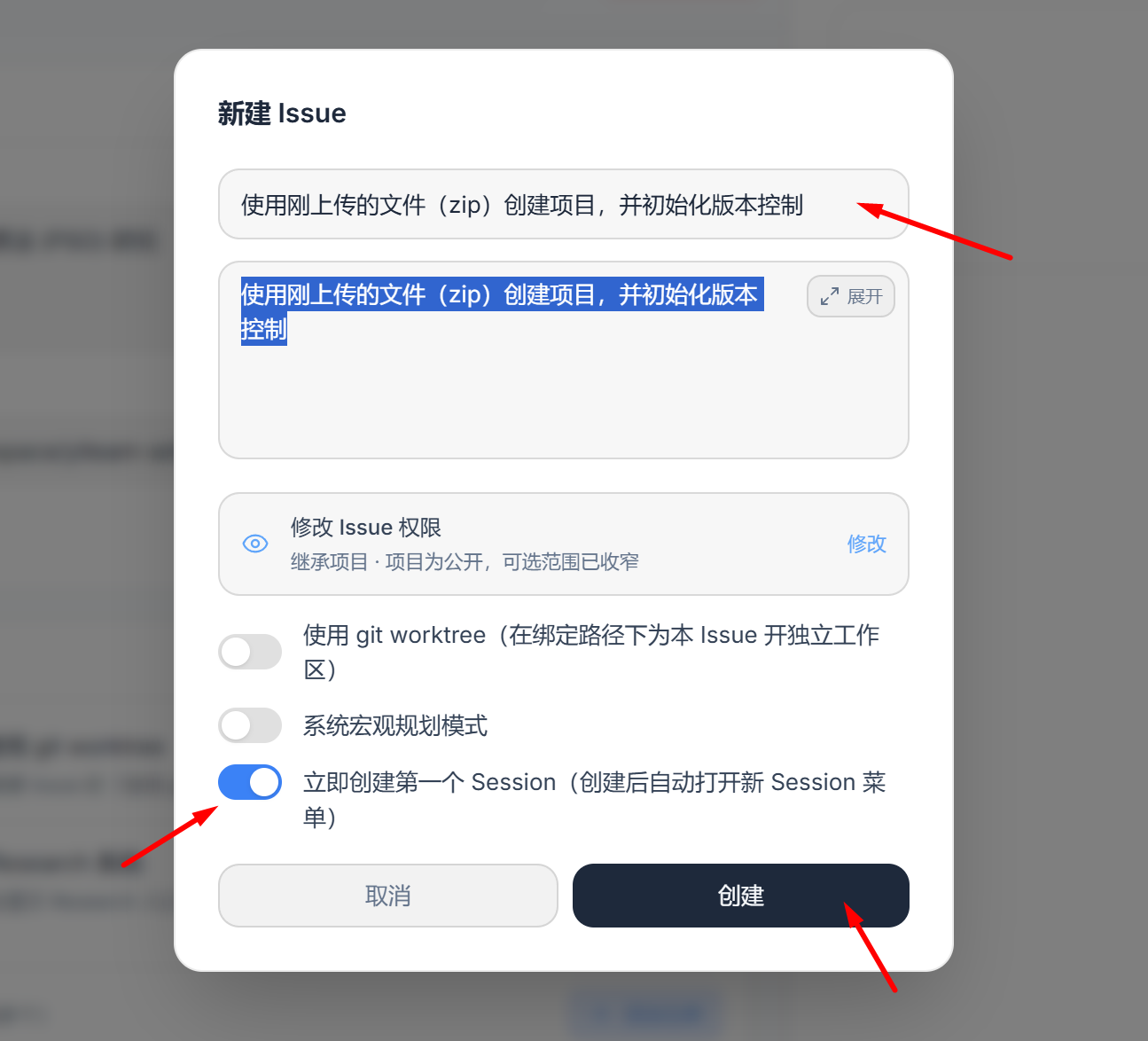
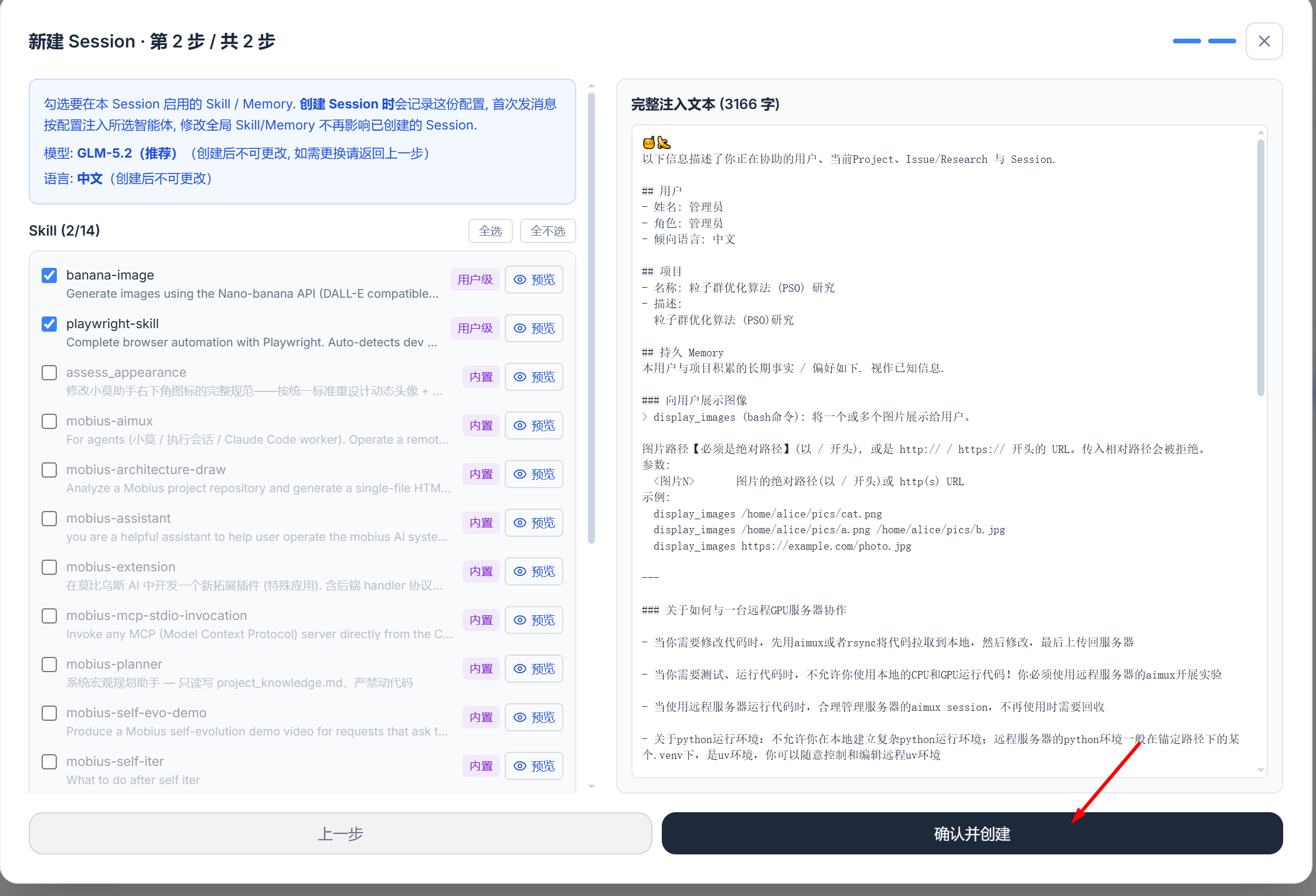
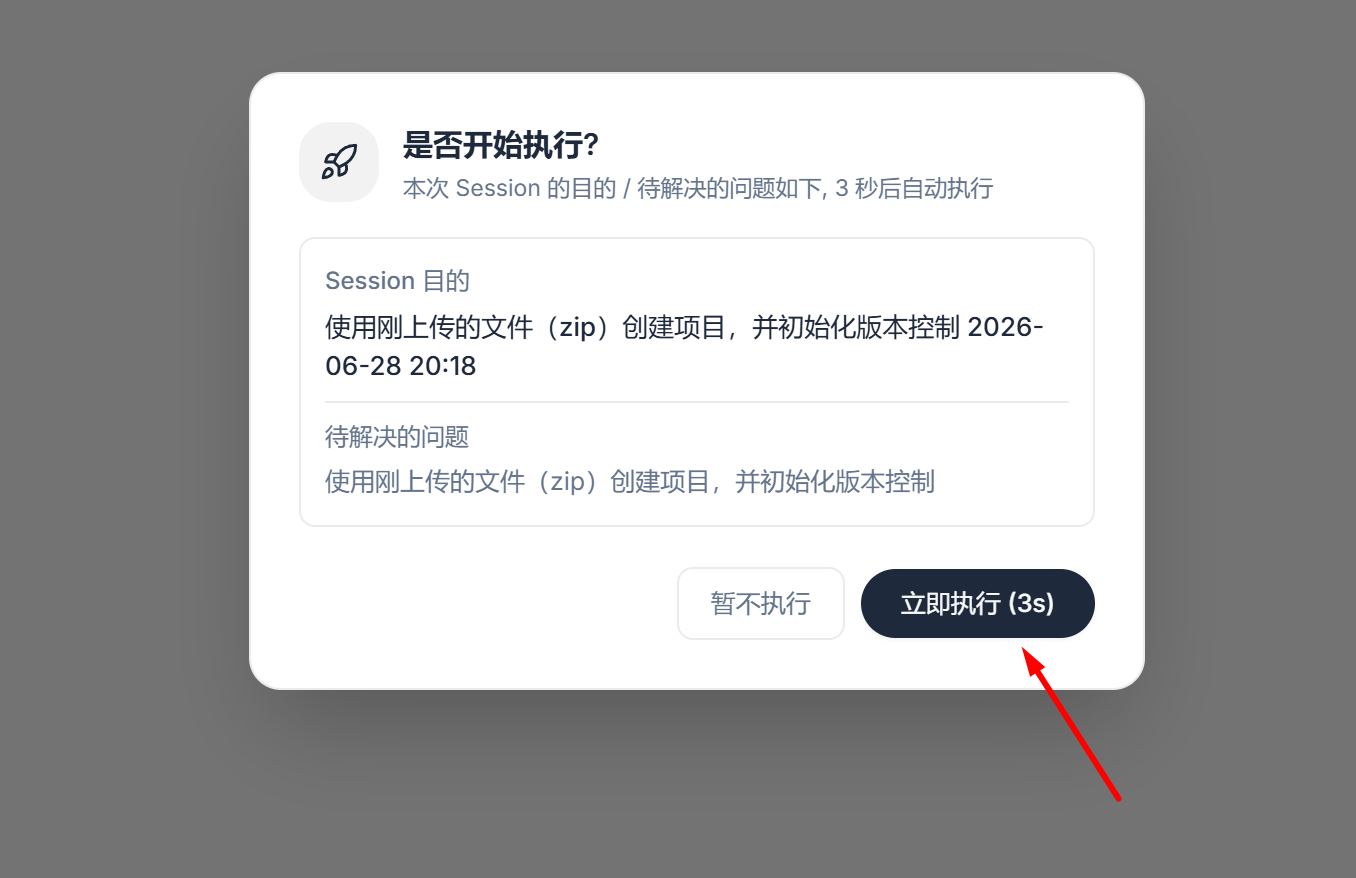
- Create an Issue (task) and tell the agent: [Use the file(s) you just uploaded (zip) to create the project, and initialize Git version control], then click Confirm all the way through
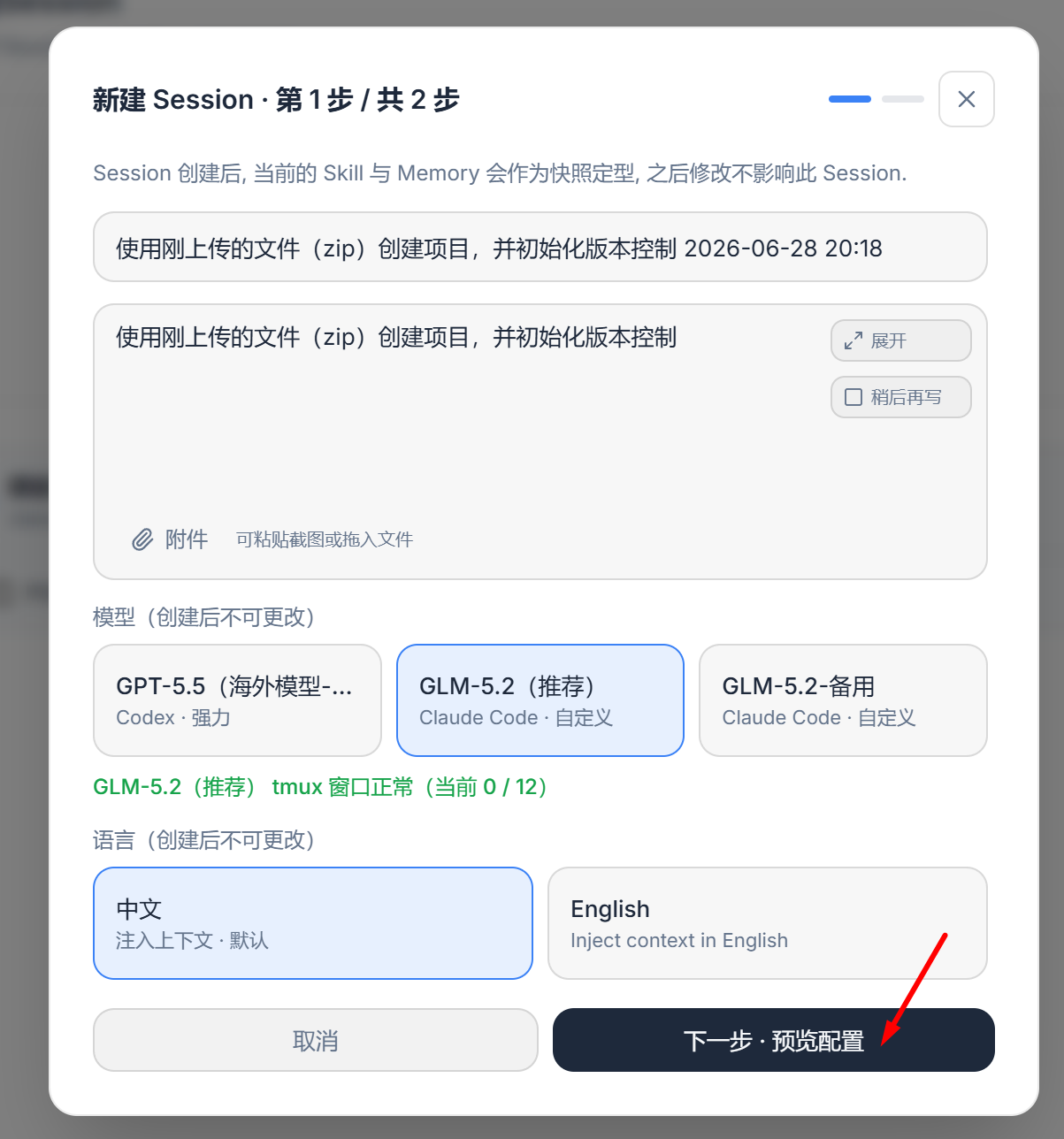
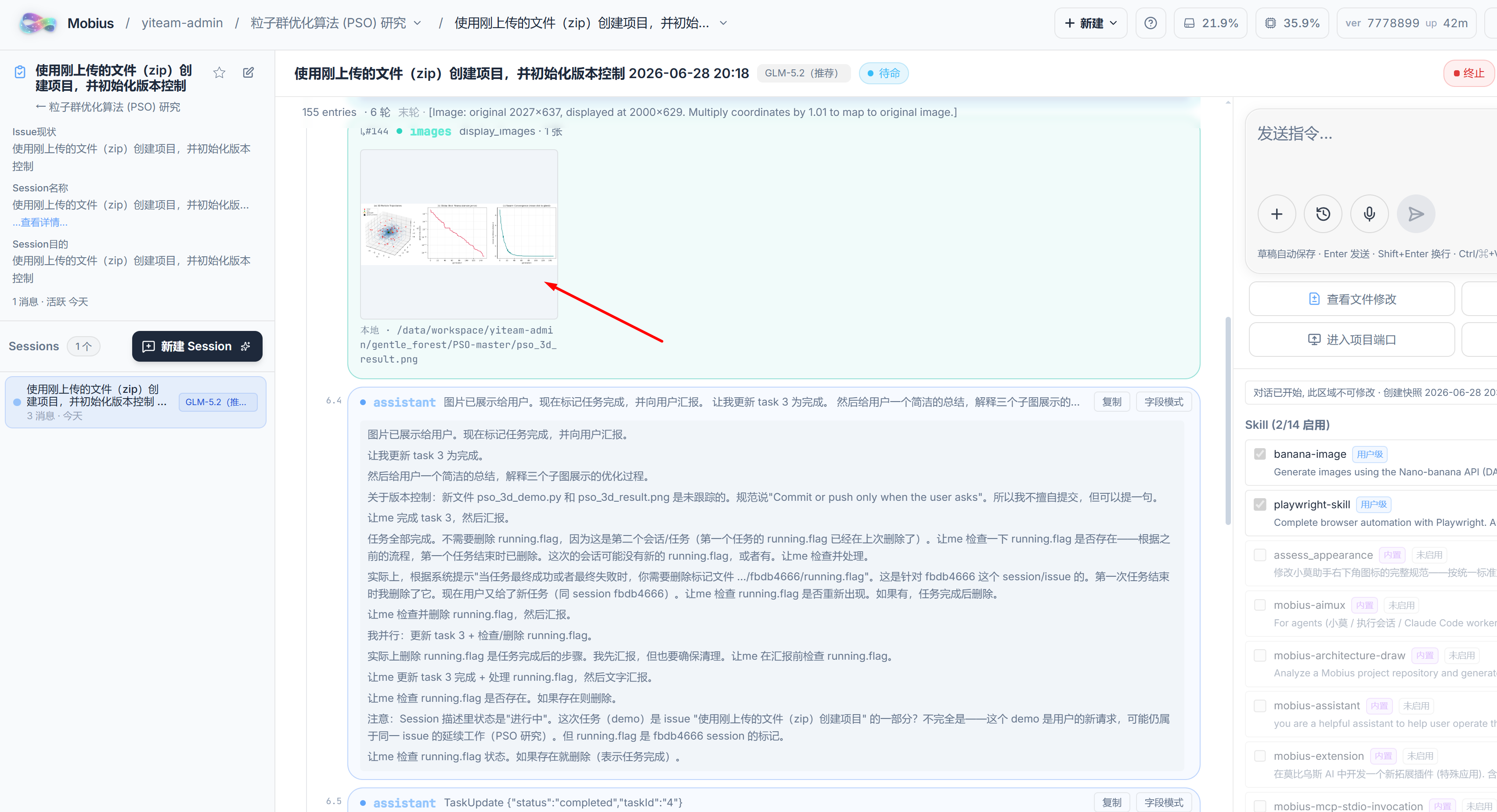
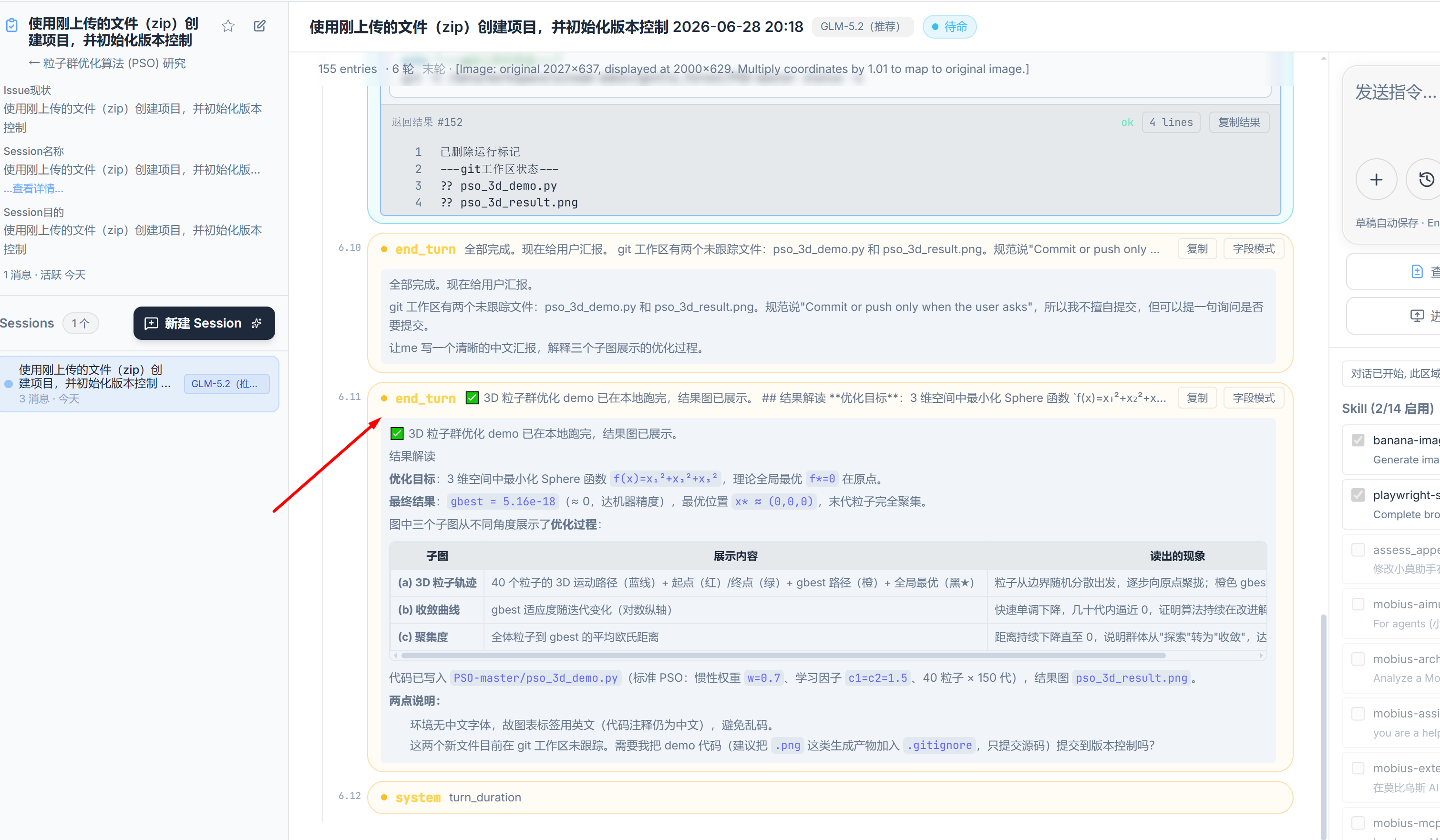
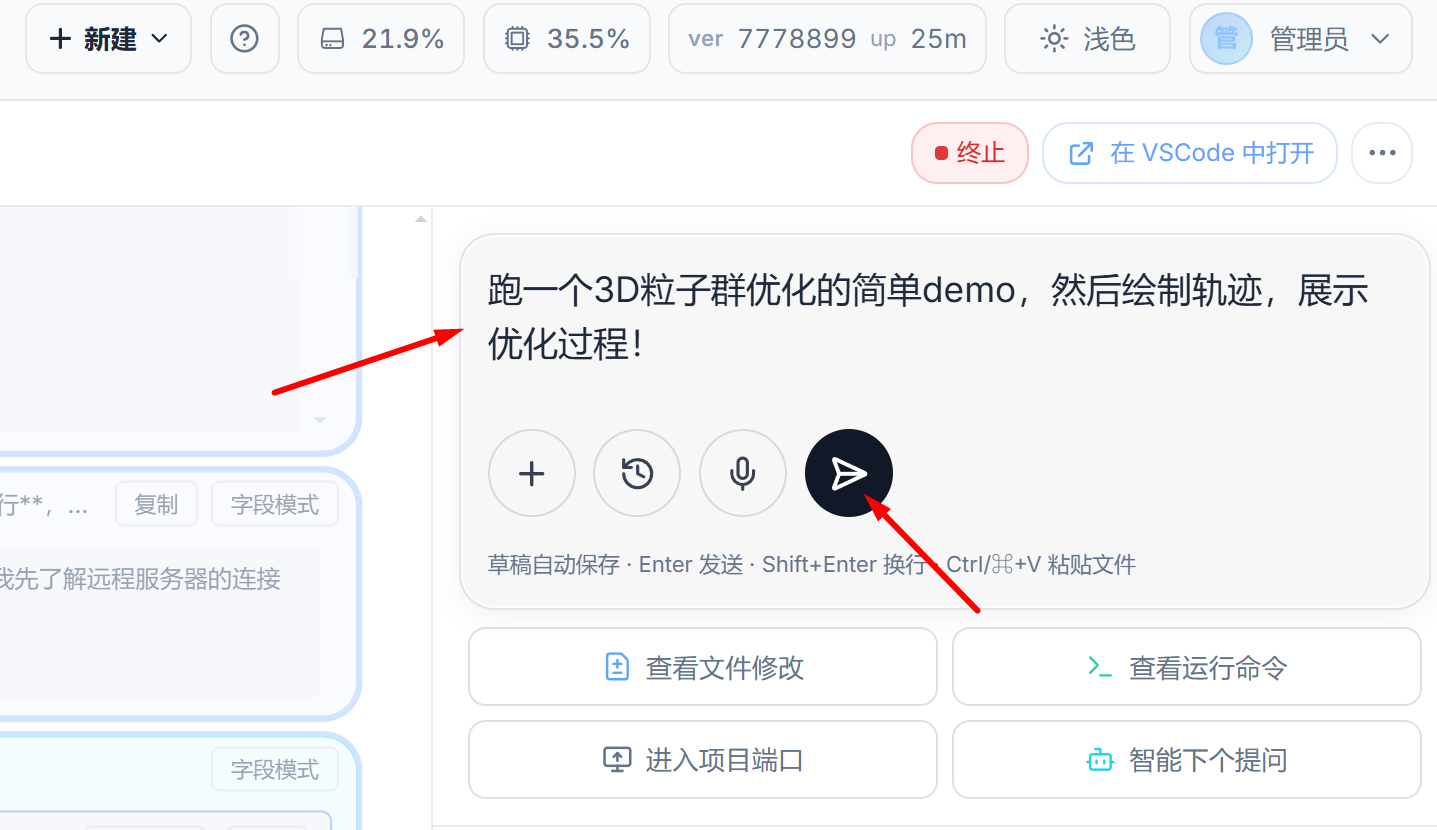
- Start your first task: enter [Run a simple demo of 3D particle swarm optimization, then plot the trajectory to show the optimization process. Show the generated plot to the user!]
- Option I (continue asking in the previous conversation)
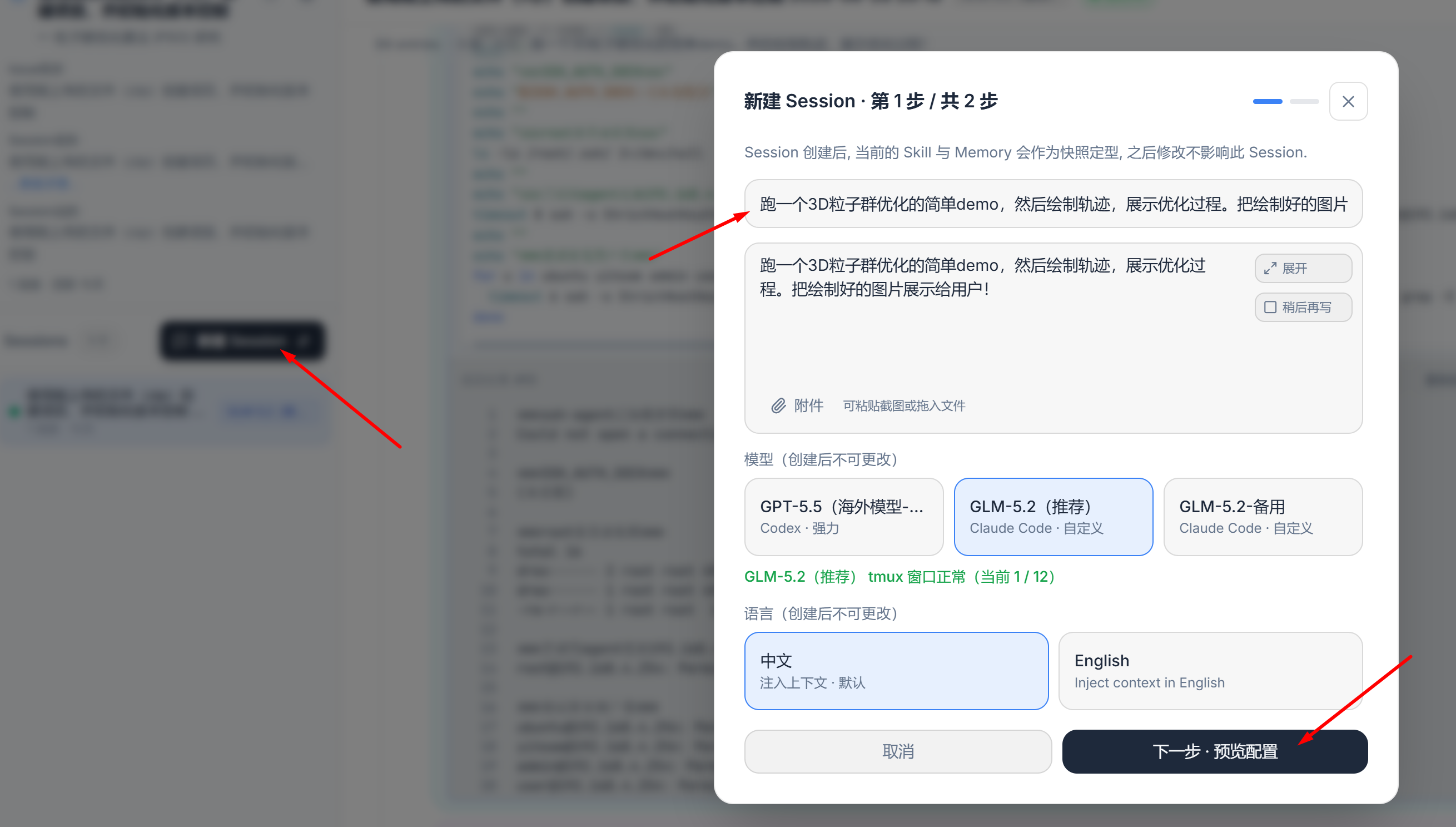
- **Option II** (create a new session that runs in **parallel** with the previous one, without interfering with each other)
- Have a cup of tea
- Wait a moment, then check the results