Add the Image Agent
The default "Complex Image Agent" turns research progress and conclusions into figures — architecture diagrams, curves, paper-style schematics — and writes them back to the Research Blackboard for other members to cite.
How
- Select the "复杂图像绘制 Agent" tab in the team panel.
- Its main Skill is auto-bound to research-image-agent.
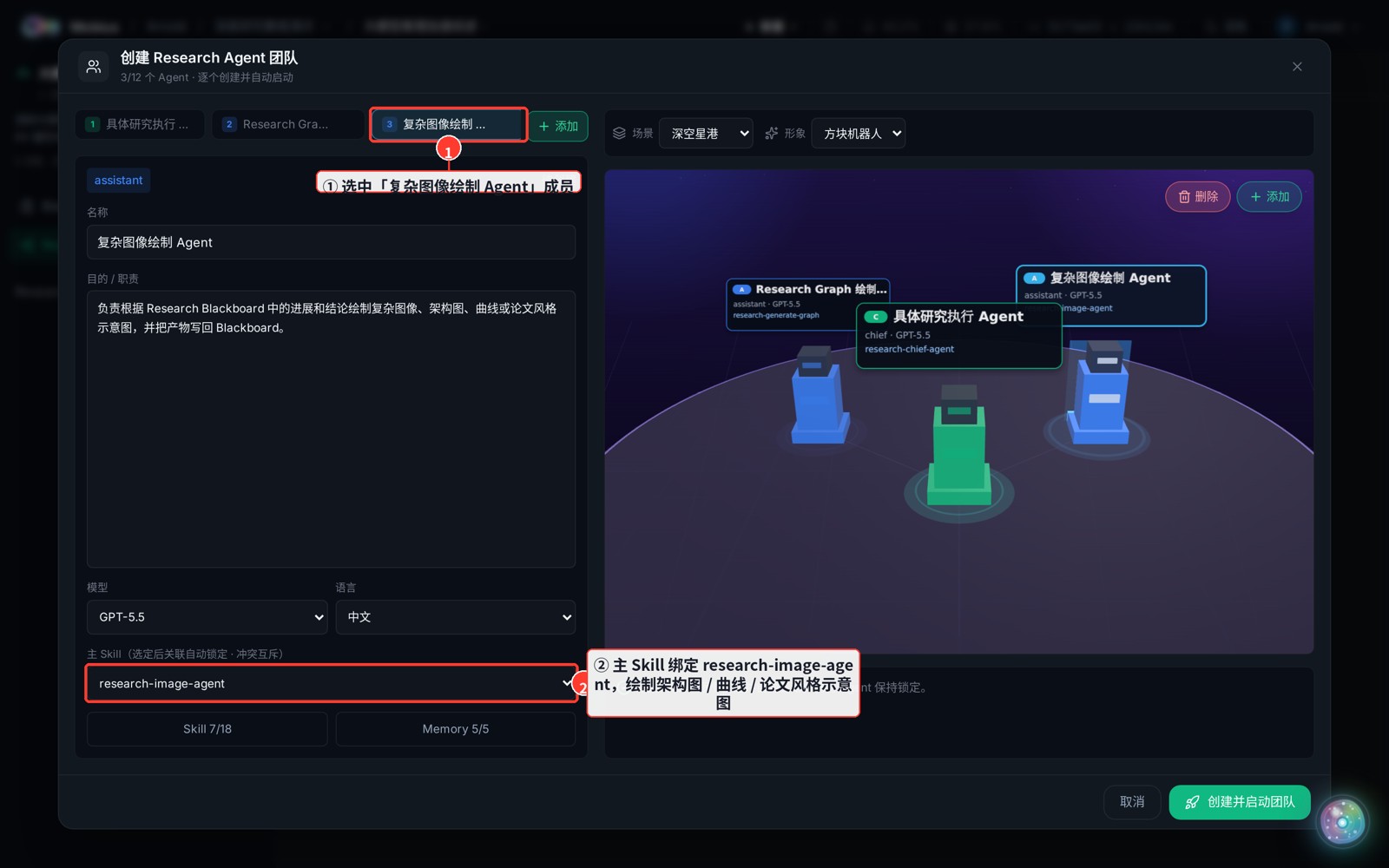
- If you don't need a drawing member, remove it via the ✕ on its tab; to bring it back, use "Add" and pick research-image-agent as the main Skill to re-bind it.