Cross-Session Search: Find Content Across All Sessions
As sessions pile up, use the top-bar global search to look across the full content of every session at once — including historical sessions you've already closed.
How to
-
Click the Search button in the top bar (just left of
+ New).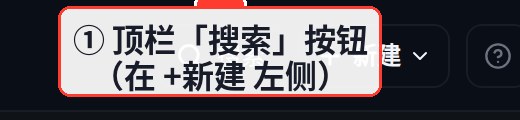
-
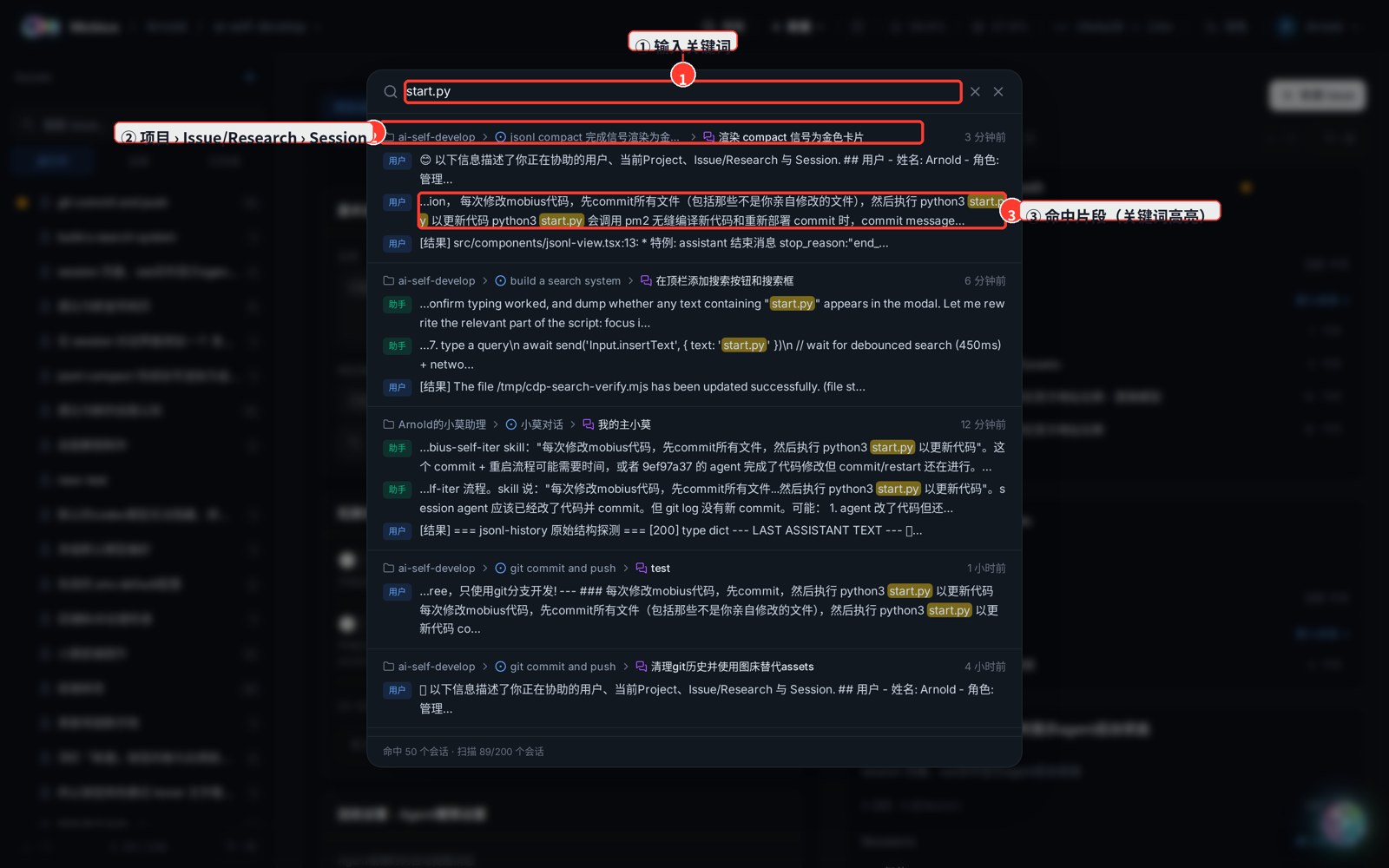
Type a keyword (at least 2 characters; it searches automatically when you pause, or press Enter).
-
Click any result to jump straight into that session's chat.
Reading the results
Each card shows the match's hierarchy, left to right:
- Project › Issue / Research › Session — which project, task, and session the text lives in.
- Below is the matched fragment with the keyword highlighted in yellow; the role (user / assistant / tool) is tagged on the left.
- The top-right shows the session's last-active time.
Notes
- By default only the 200 most recently active sessions are scanned, with up to 3 matched fragments each. Use a more specific keyword if there's too much noise.
- A single very large session is only searched in its last ~1.5MB tail (the most recent conversation).
- You can only find sessions you're allowed to read — your own, or sessions in projects visible to you.