Tip: Change the Frontend Theme
There's a theme button at the top right — click it to switch the UI color scheme (light / dark / several presets).
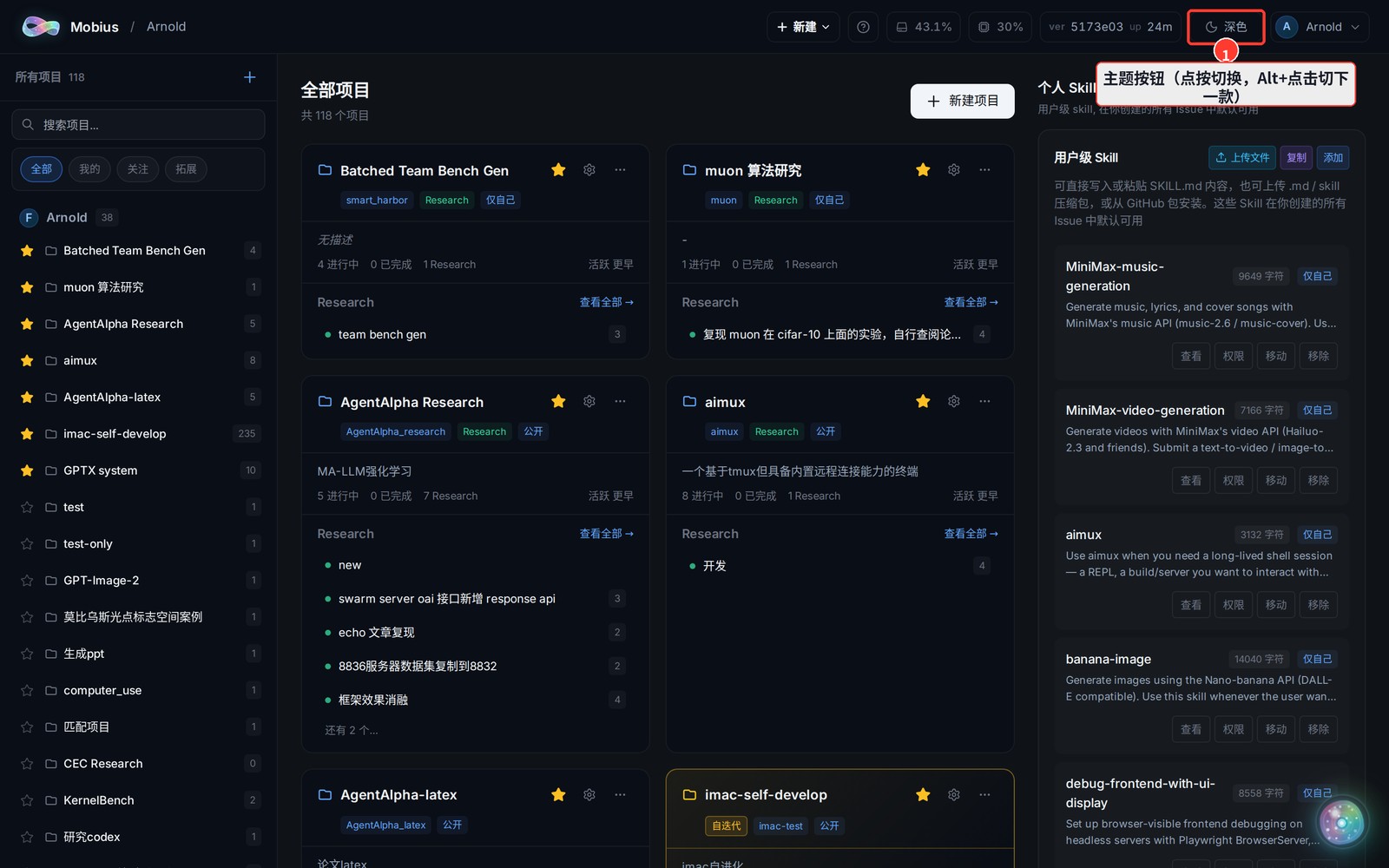
Usage
- Click: toggle between light and dark of the current theme.
- Alt + Click (Option + Click on Mac): jump to the next preset theme (the button title hints "Alt+click for next theme").
- The current theme name is shown on the button (e.g. "深色" / dark).
Your theme choice is saved in your browser; you'll need to re-pick it on a new device.