Add the Graph Agent
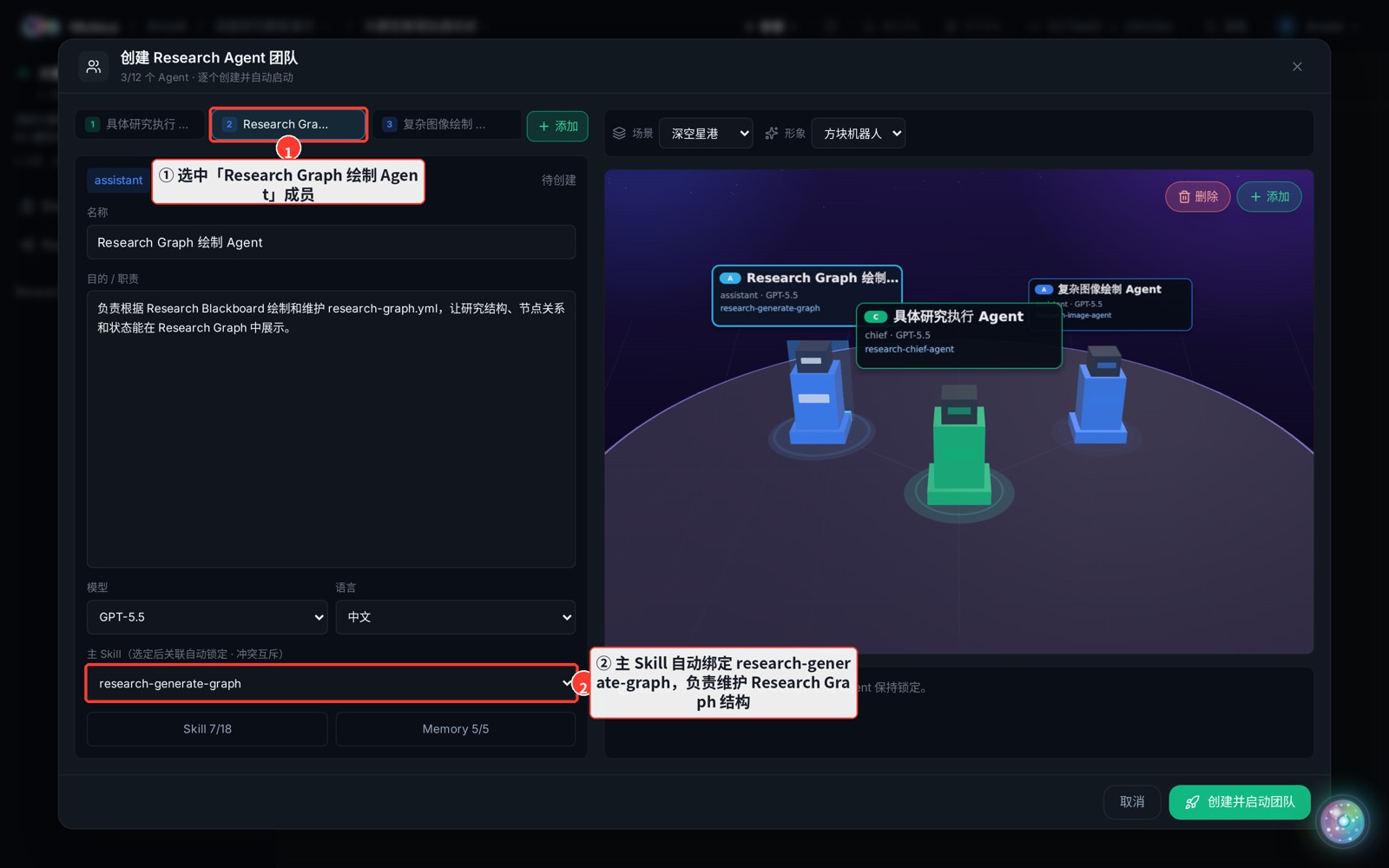
The default "Research Graph Agent" maintains the research structure — it reads the Research Blackboard and renders / updates research-graph.yml so the topic's nodes, relations and status are visualized in the Research Graph.
How
- Select the "Research Graph 绘制 Agent" tab in the team panel.
- Its main Skill is auto-bound to research-generate-graph (no manual setup).
Tip
This agent needs no prompt from you — it follows the skill, reads the Blackboard and emits the graph. Keep this member and start the team, and the Research Graph updates as the research progresses.