Tip: Package & Download Project Files
Need to export a project's code / files as a zip? The project page has Package & Download built in.
How
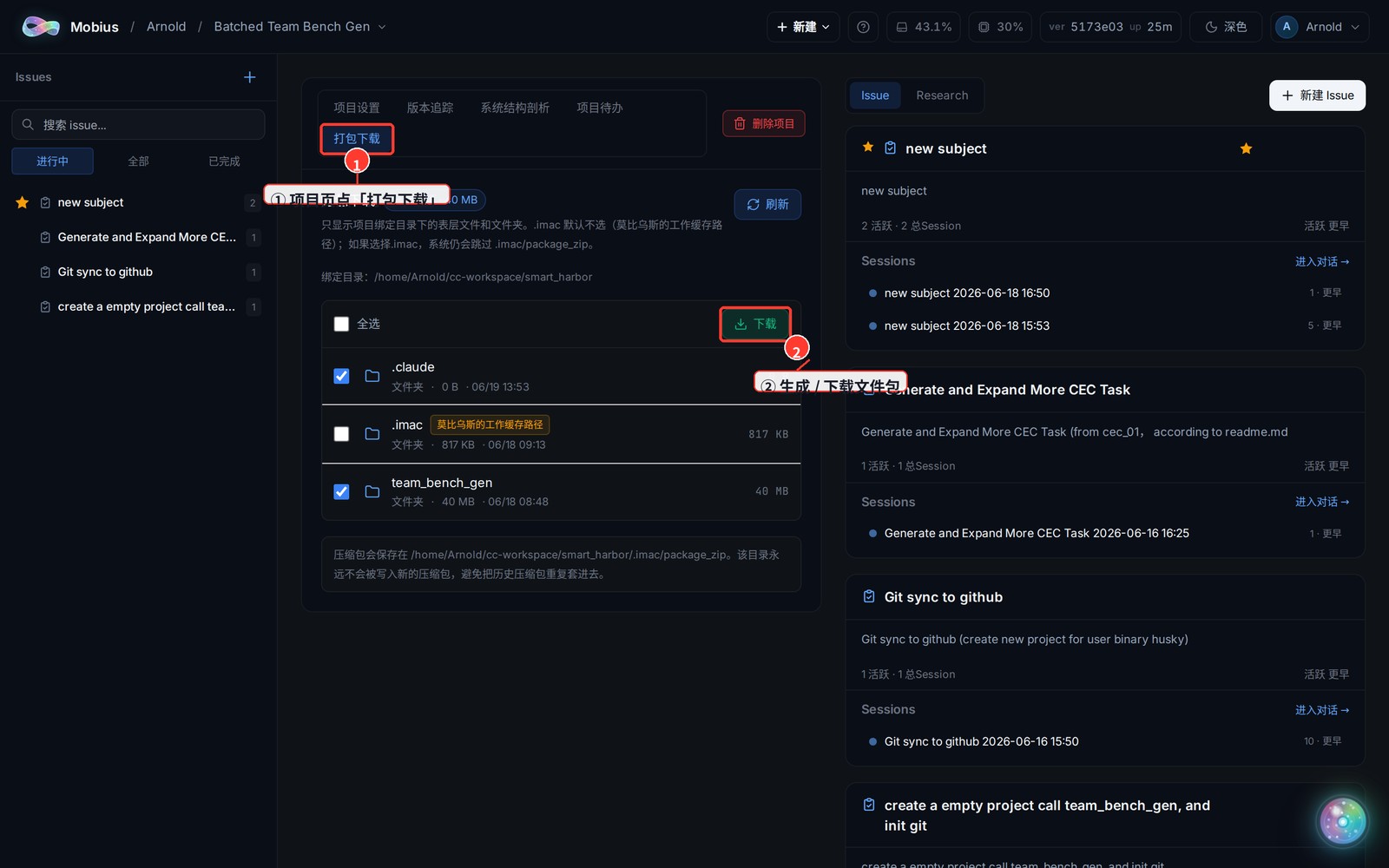
- Open the project, switch to the "Package Download" tab at the top.
- Tick the files / folders to include (or select all), then click "Download" — the system zips them and starts the download.
Notes
- Only top-level files and folders under the project's bound directory are listed by default.
- The working-cache folder (
.imac/.mobius) is unchecked by default; even if you tick it manually, the system skips itspackage_zipsubfolder so an in-progress package isn't bundled back in. - For very large packages (default threshold 500MB) you'll get a confirm prompt; generating and downloading may take a bit longer.