Xiaomo: The Powerful Control Hub of the Agent OS
Xiaomo (小莫) is the Mobius assistant and the control hub of the whole Agent operating system. Tell it a goal in one sentence and it can sense the current projects, direct other agents to build any feature, and even modify Mobius itself to self-iterate. This walkthrough shows the full flow.
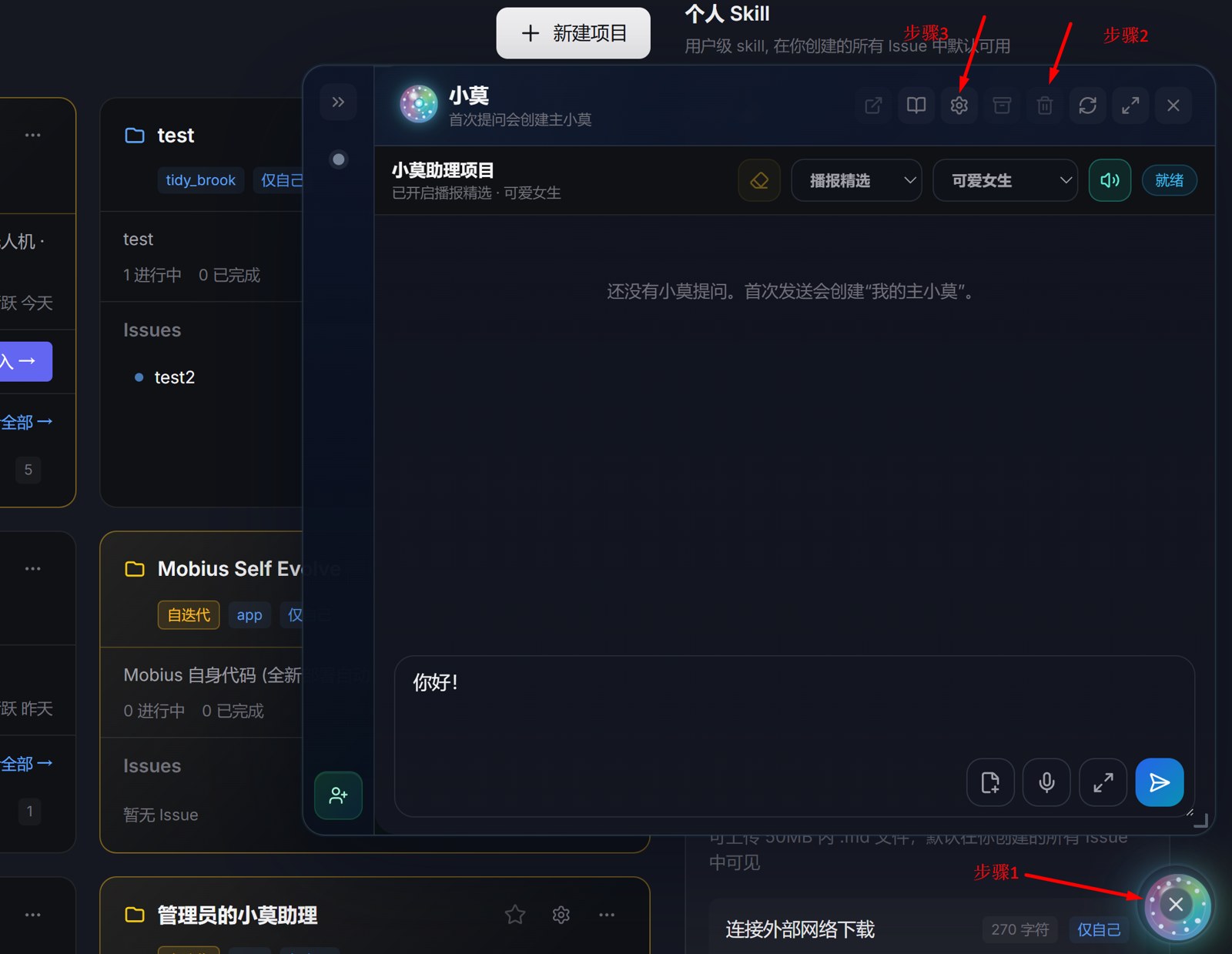
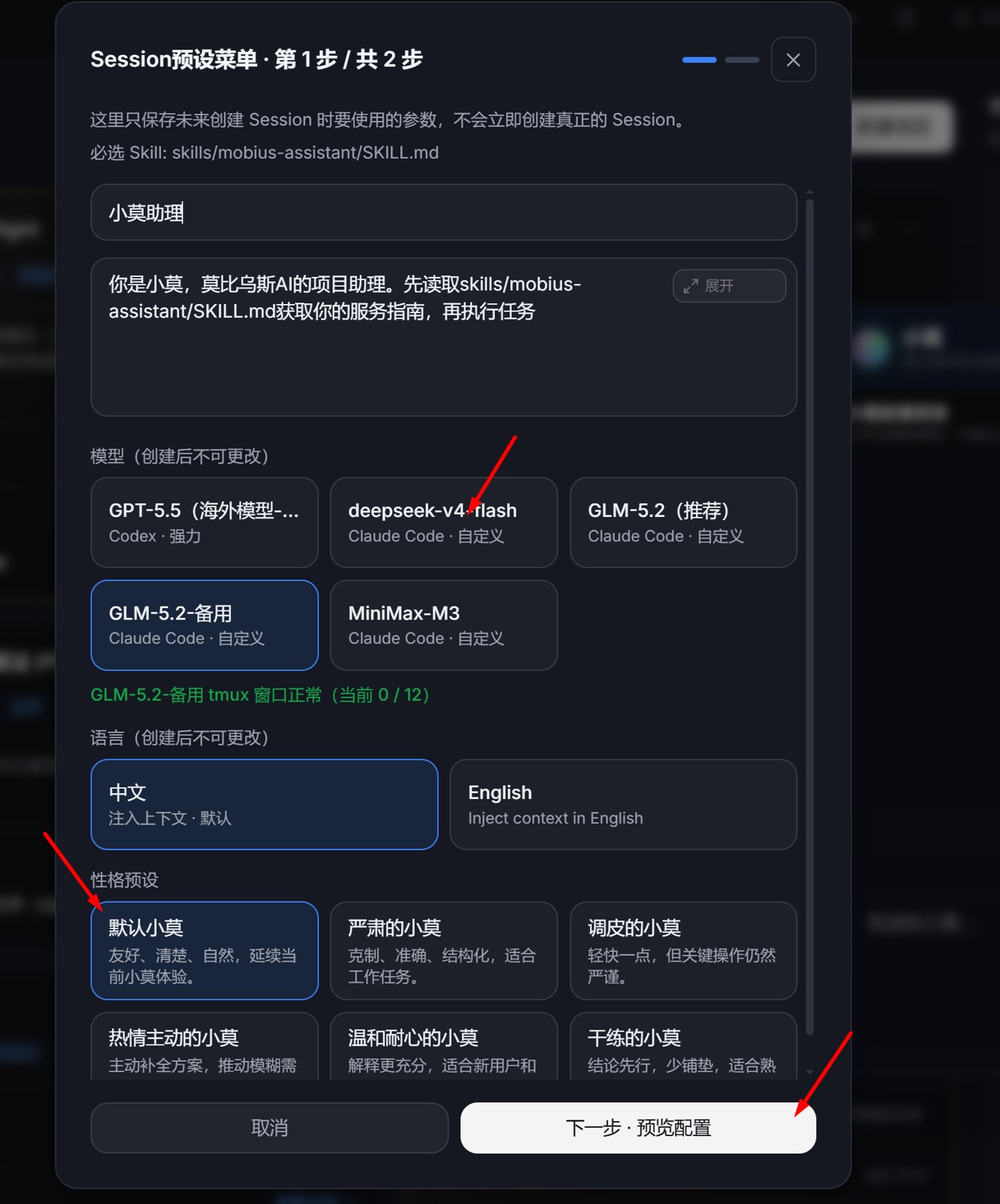
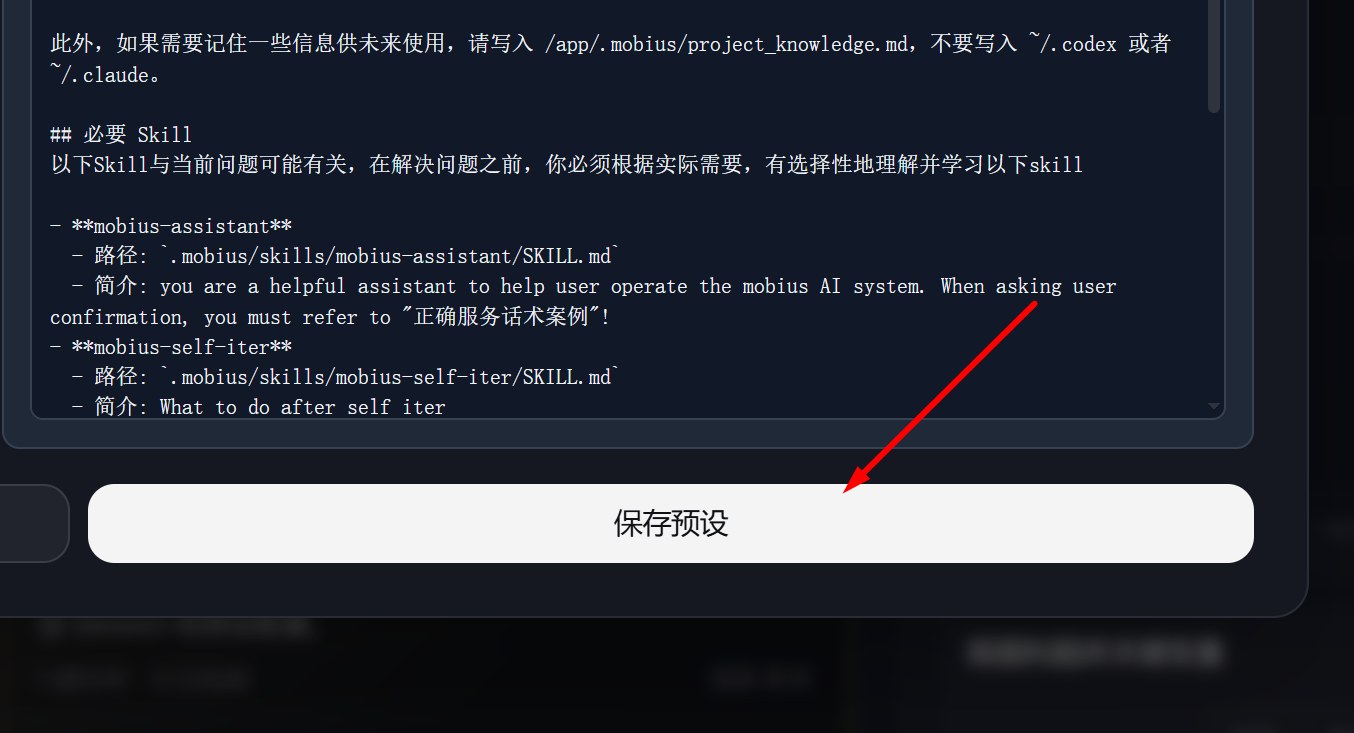
1. Adjust Xiaomo's model and config (optional)
Open Xiaomo's preset config to pick a model, language, personality, and which skills/memory to enable. You can also skip this — Xiaomo works out of the box with system defaults.
2. Ask about the current projects and recent progress
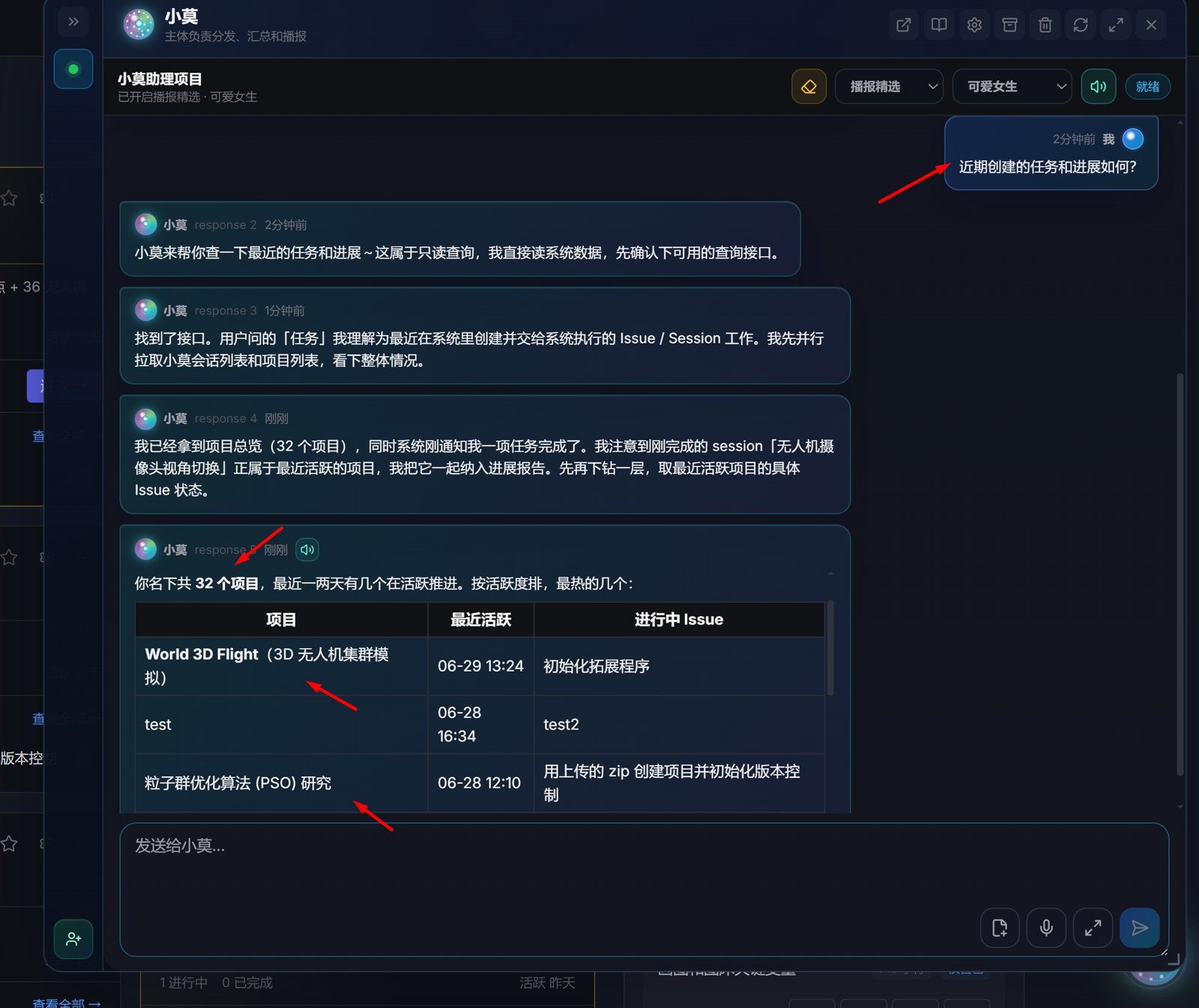
No need to browse pages yourself — just ask Xiaomo "what projects exist and what's been happening lately". It summarises the projects and execution sessions into a clear progress overview.
3. Tell Xiaomo to direct other agents and build any feature in any project
Hand the goal to Xiaomo, e.g. "implement feature YY in project XX". Xiaomo breaks it down, creates the issue and execution session, and dispatches the right agents to actually code, verify, and deliver — you just state the requirement.

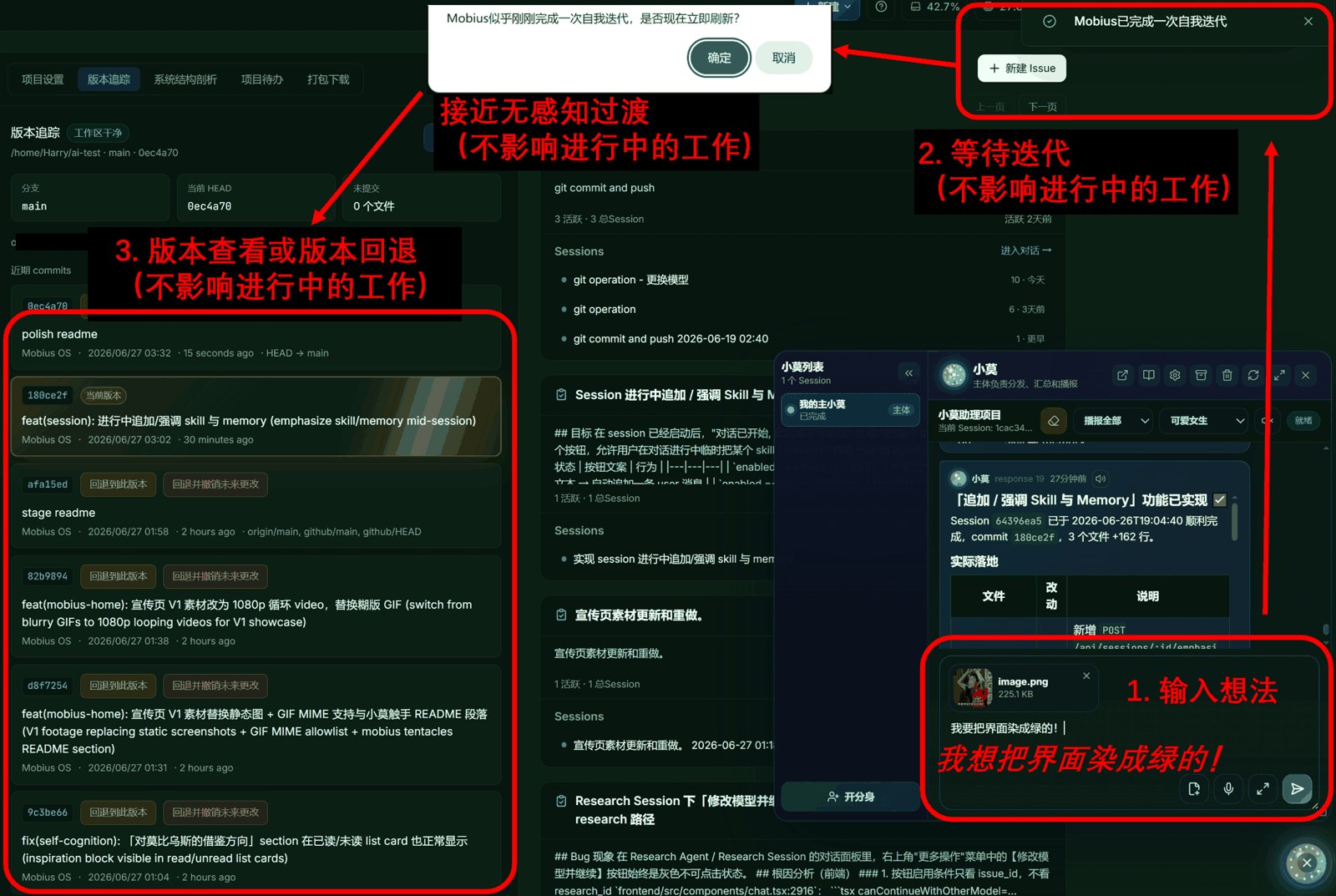
4. Tell Xiaomo to modify Mobius itself — self-iteration
Xiaomo can also modify Mobius itself: say "add capability ZZ / fix bug ZZ to the system" and it will create a controlled task in the self-iteration project, change the code, and redeploy — that's Mobius self-evolution.
In one sentence: Xiaomo is the commander — ask it for progress, send it to work, or have it reshape the system, all in a single sentence.